only the pain point
I gave up on vibe coding a couple of years ago. I'm back, and this whole site is vibe coded, responsive across screen sizes without me fighting Framer for a week.
The way I think about it is narrow on purpose. I only build a tool for something I'm already doing with AI every day, and the only question I ask is how to make that one thing more effective. The principle underneath it: don't add bells and whistles at the start. Solve the explicit pain point and nothing else. The moment you reach past that, building the tool quietly becomes the goal, and you forget the problem you started with.
what i lean on
Claude artifacts, for writing, thinking out loud, and putting documents together.
Apps Script with the Claude API, for anything that lives in a Google Sheet: scoring, analysing, running operations over rows of data. One example is evaluating call transcripts row by row and marking how complete each one is.
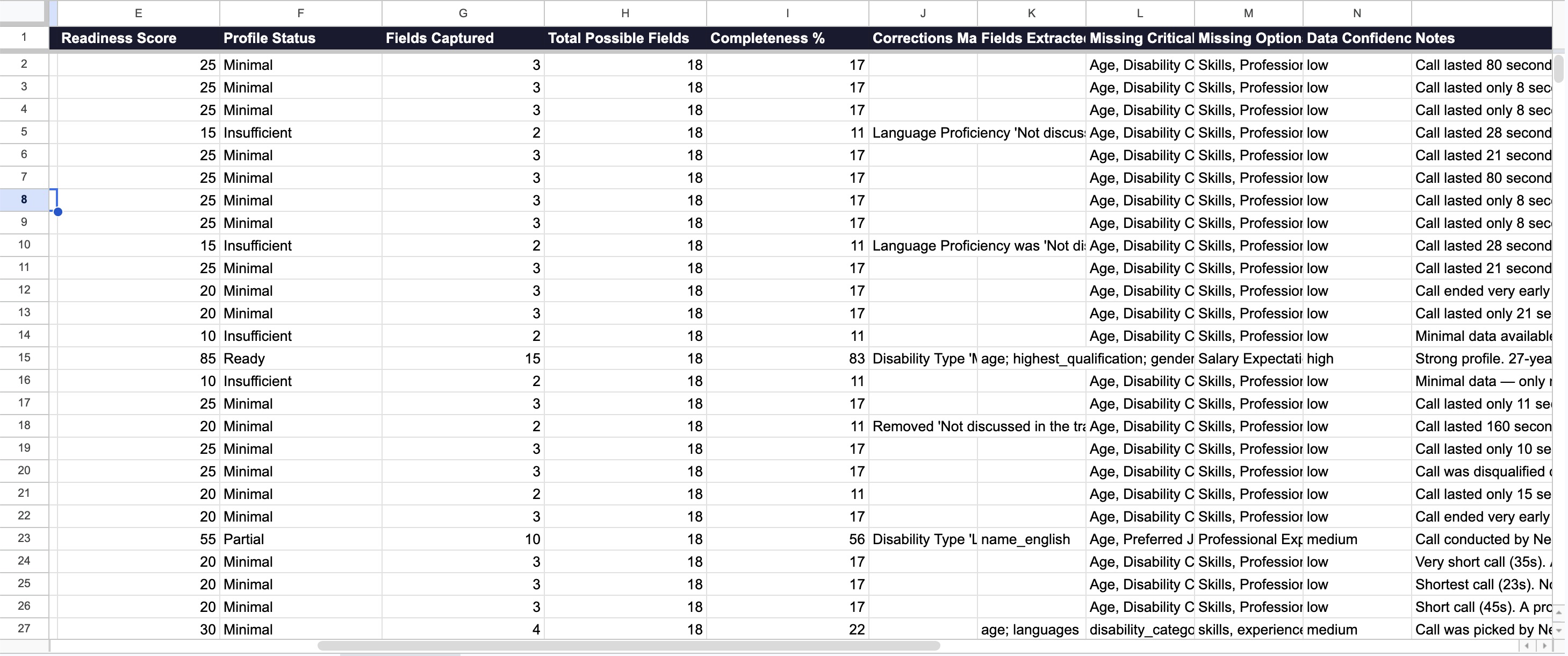
Full vibe-coded apps when I actually need storage, memory, or something I can share with people outside the company. Claude Code for the code, plus some combination of Supabase, Vercel, SQLite and GitHub, usually gets me to a good-enough prototype. I only go this far once I've been doing the thing by hand for a while and I'm sure a UI will save real time.
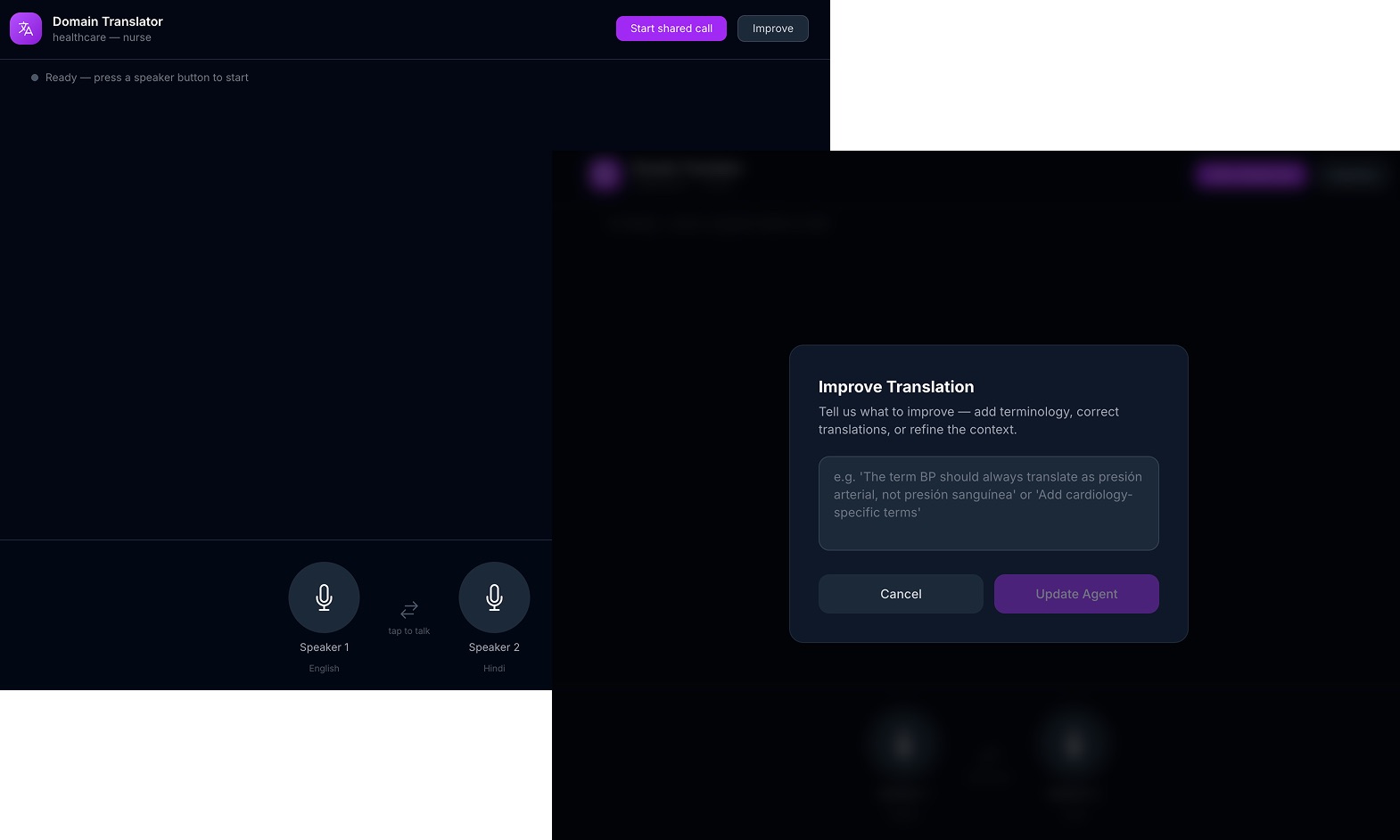
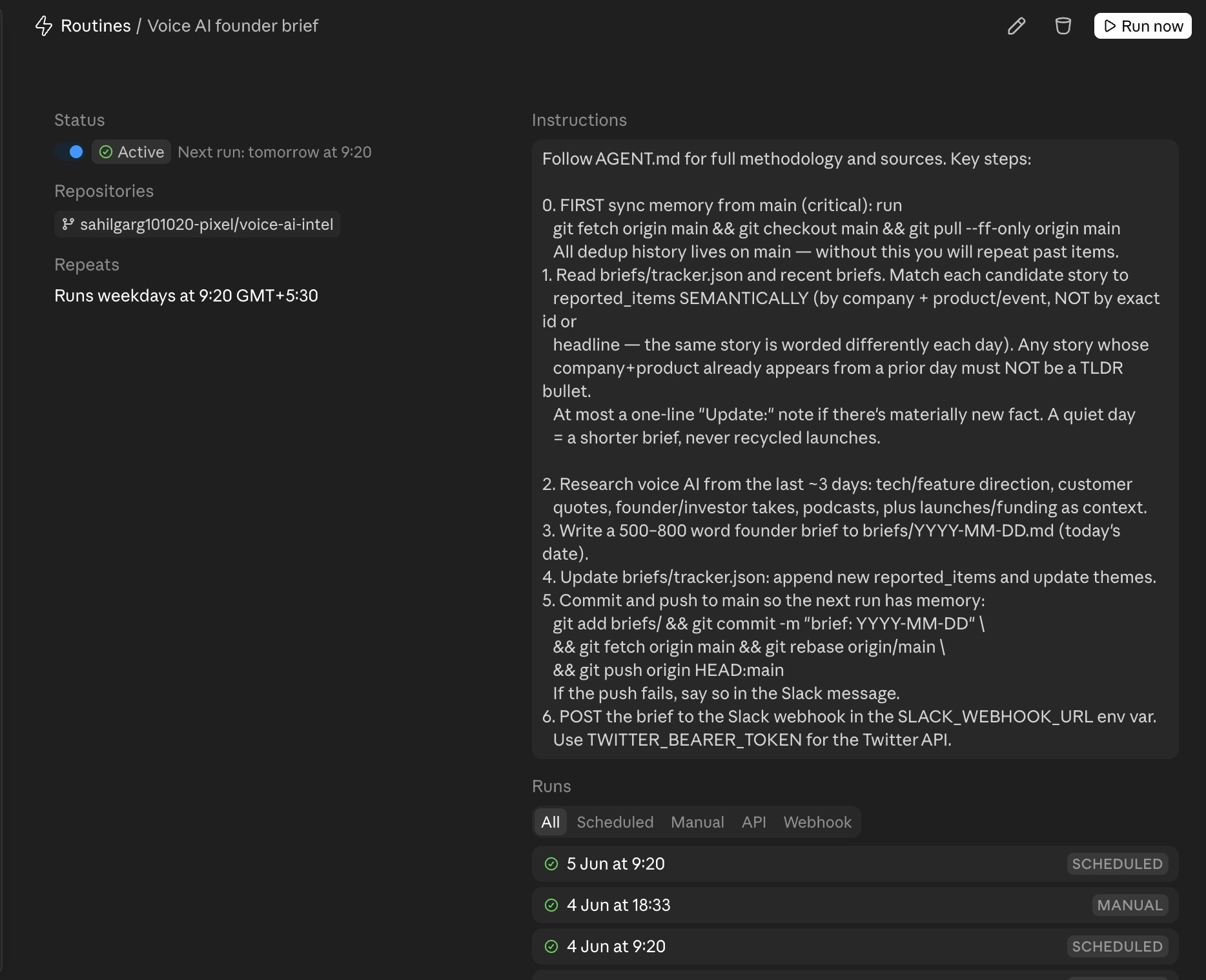
A couple of those turned into real things. A prototype for a New York immigration services firm to help with live translation, running on GPT Realtime. And a small routine that briefs me every morning on new voice AI model releases and the conversations forming around them.
The lesson I keep relearning is the boring one. The tool is never the point. The thing you were trying to get done is the point.